Real Estate

Answer every property inquiry the moment it’s asked

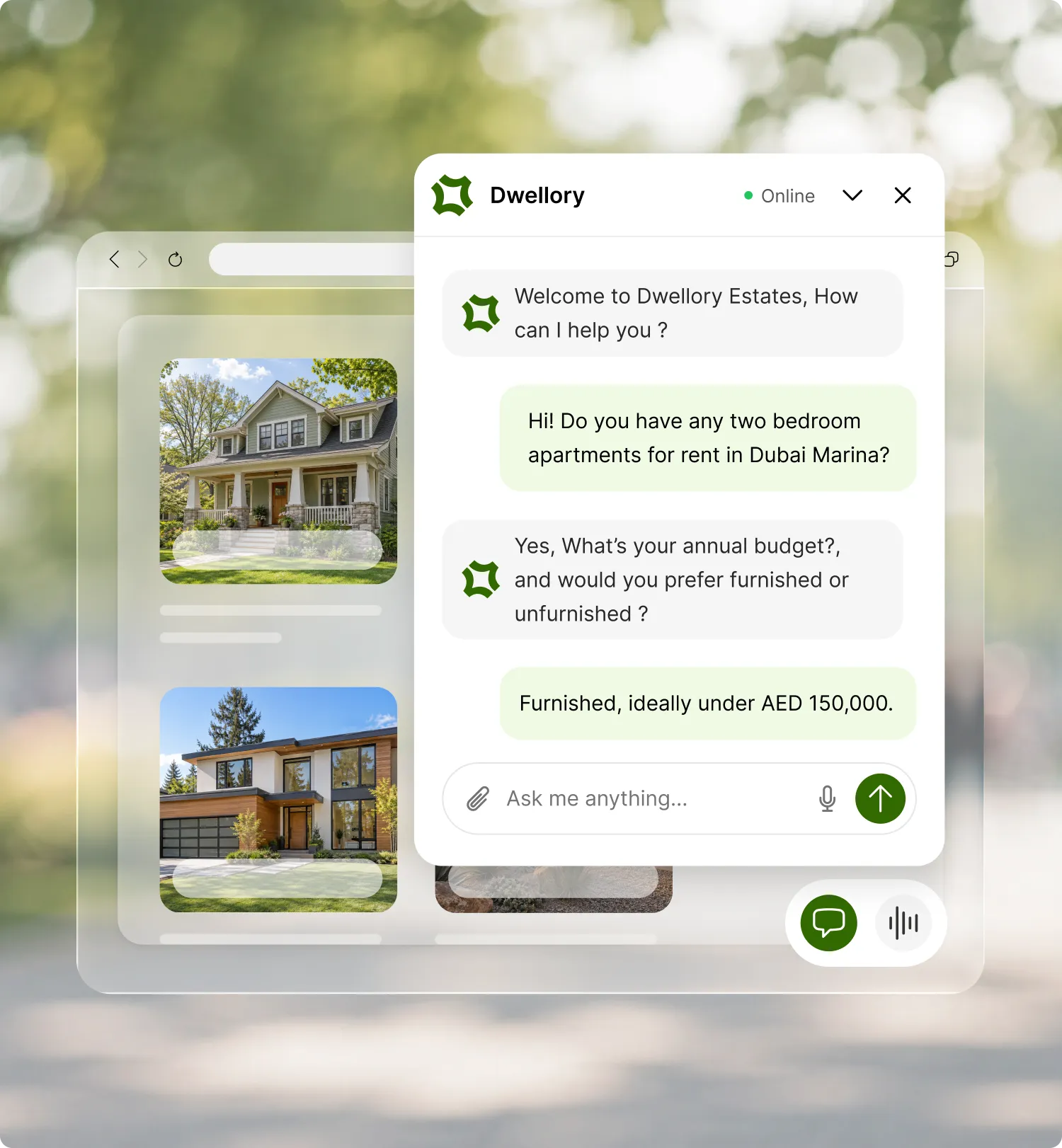
Fellix answers questions about listings, pricing, and availability on WhatsApp, Instagram, and your website, captures buyer and renter details for your sales team, and knows exactly when to hand off to an agent.

Fellix answers questions about listings, pricing and availability on WhatsApp, Instagram a

Why Fellix

The same listings, pricing questions, at every hour, on every channel , Fellix can answer them all.

Agentic FrontDesk

Agents answer ‘is this still available’ and ‘what’s the price’ on repeat, all day.

Fellix answers from your live listings and pricing, in the buyer’s own language, any hour of the day.

Co-pilot Follow-up

A buyer’s contact details get lost between a DM, a call, and a spreadsheet.

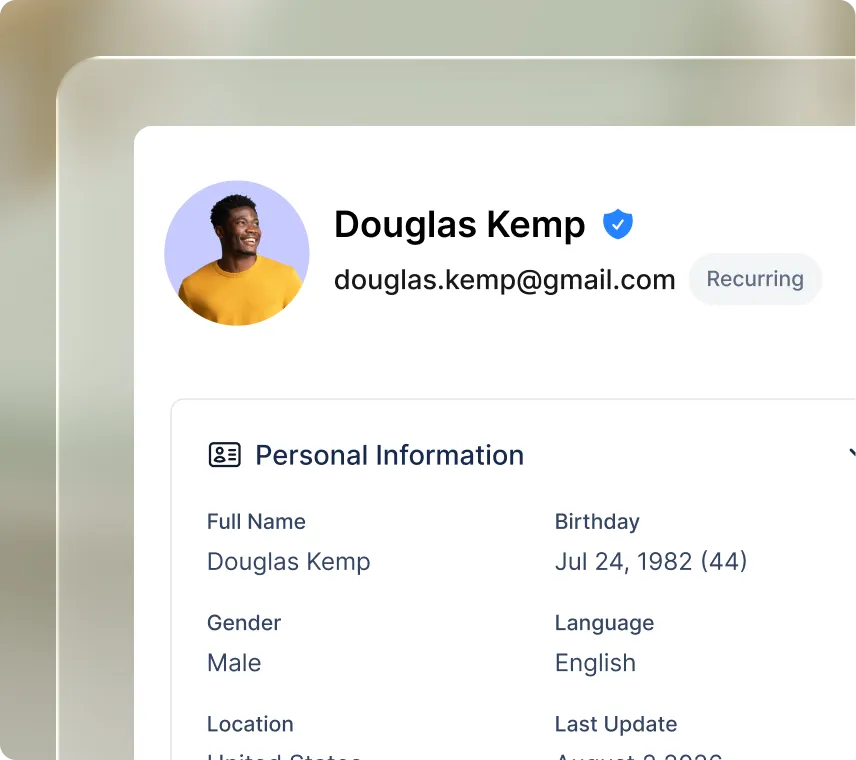
Name, phone, and email are captured directly from the conversation and land in one record, ready for your sales team to follow up.
Meta Ads built-in

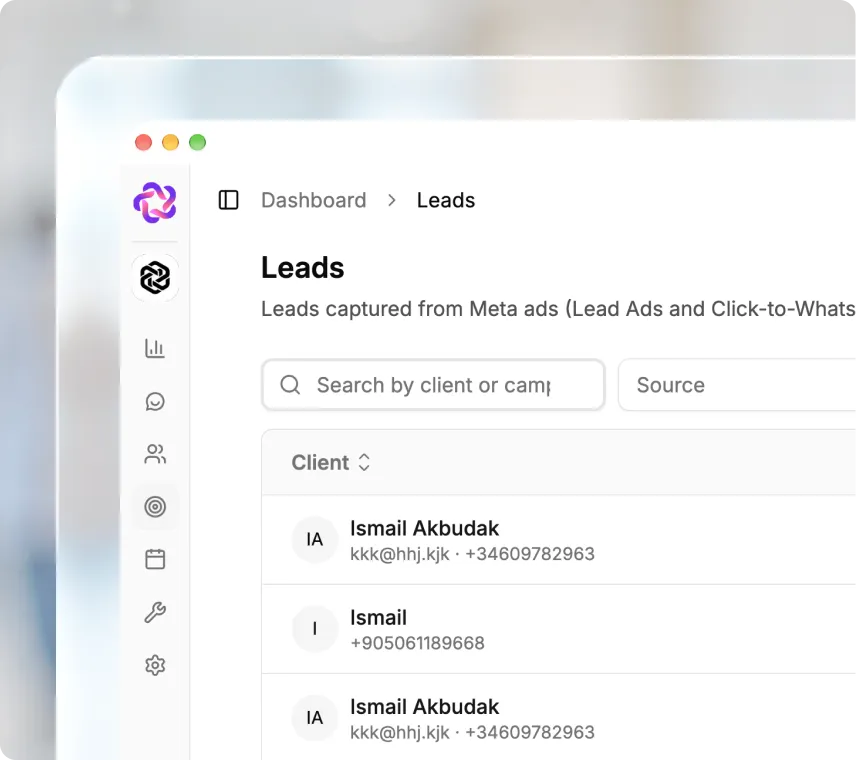
All your social media ad clicks convert into conversations with Fellix’s built-in Meta ads

When users clicks a Facebook or Instagram ad and opens a conversation, Fellix recognizes the campaign behind it and opens accordingly.

Built for your needs

Every buyer and renter conversation, handled consistently

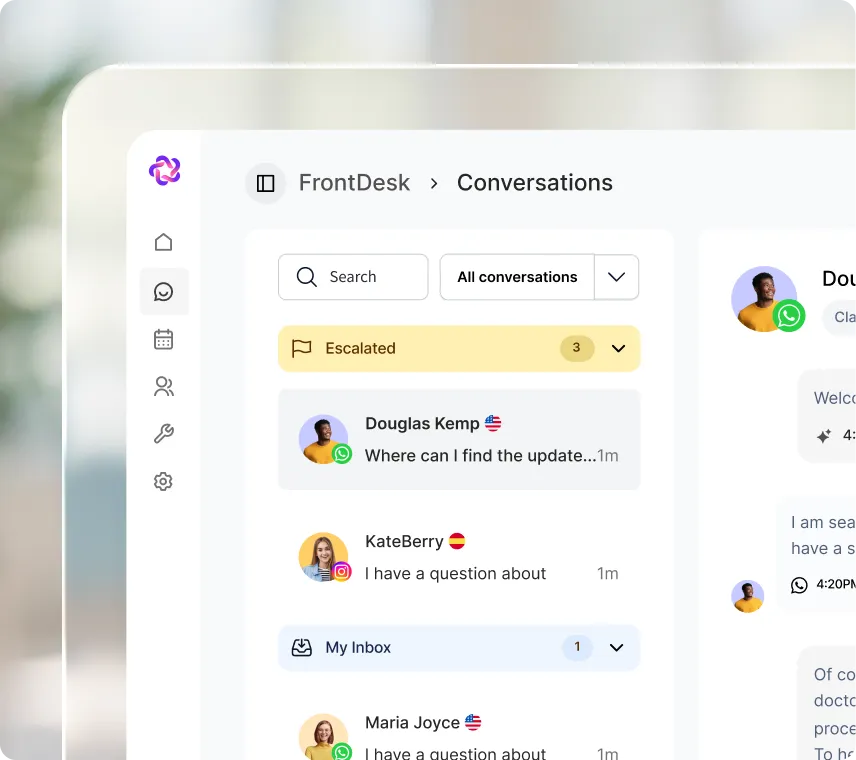
See every conversation the moment it happens, with the context your team needs to jump in without asking the customer to repeat themselves.

WhatsApp, Instagram, and web, in one queue

WhatsApp, Instagram, Messenger, and website chat in one queue. Escalated, in-progress, and resolved conversations sorted automatically.

Multi-language by default

Answer prospective students in whatever language they write in, without hiring for every language you recruit in.

Auto-captured contact info

Names, phone numbers, and emails are pulled from the conversation as they’re shared. No forms, no manual data entry.

Agents answers in what you told them

Upload your programs, fees, and deadlines once; the AI agent answers from that list and nothing else.

Escalate conversation to right person

Assign certain staff members to specific channels and numbers, so the right conversations reach the right people automatically.

Every conversation becomes a lead

Prospects are tagged and moved through your enrollment pipeline automatically, from first question to enrolled.
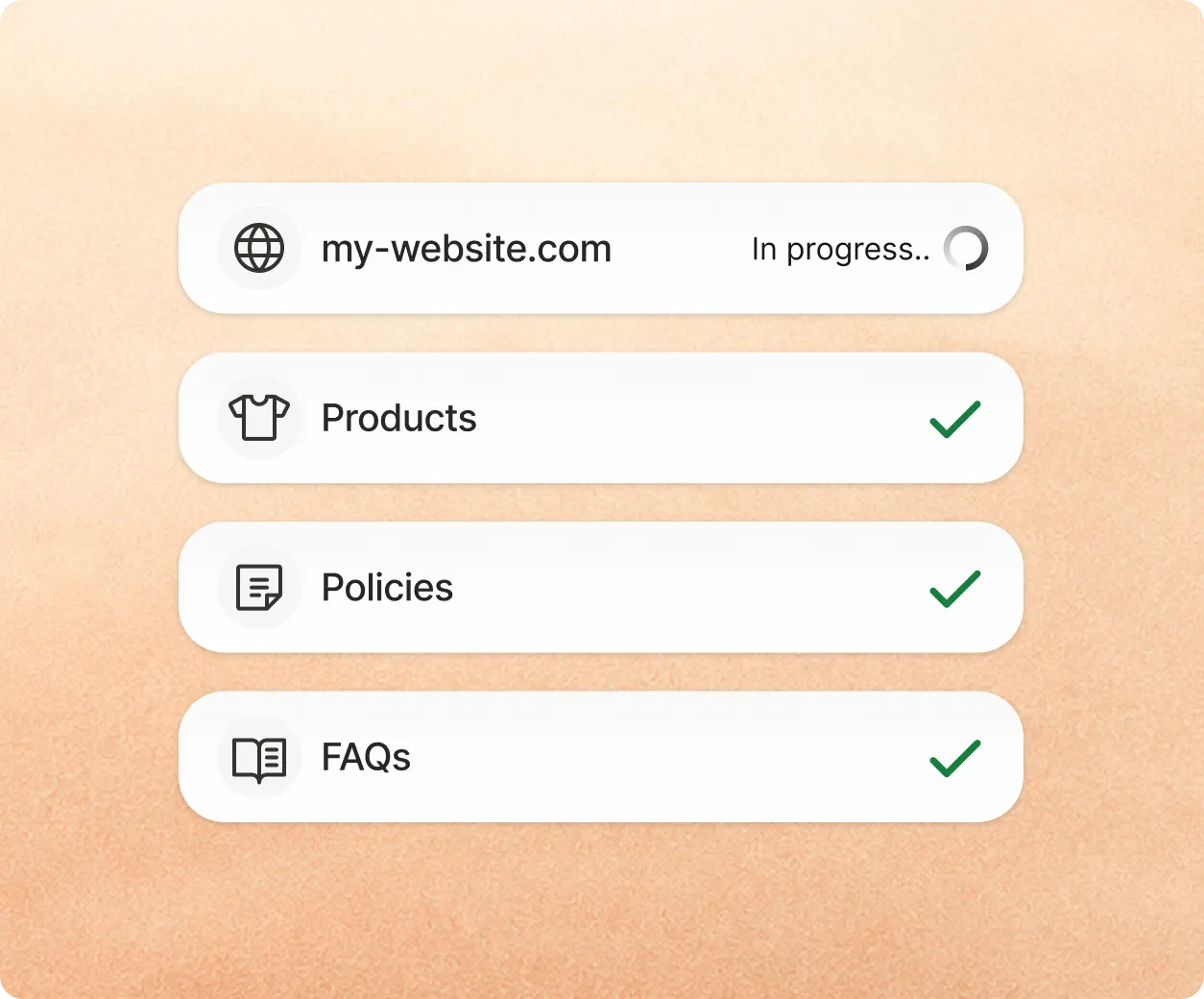
Training a Fellix agent on a product catalogue before it goes live

Getting started

From setup to first conversation, your agent will ready in minutes

Connect your channels, teach Fellix your business, and go live. No code required.

  1. 1Train itPoint Fellix at your store. It crawls products, prices, policies, and FAQs, and you add custom instructions to fine-tune the tone.
  2. 2Test itAsk the questions your customers actually ask, review what comes back, and correct anything off. It learns from every fix.
  3. 3Activate itTurn it on for web chat, then expand to WhatsApp, Instagram, and Messenger from the same knowledge base.

Stack comparison

Property inquiries today vs. with Fellix

Answering listing questionsStatus quoAnswered by agents during office hours only, repeatedly.Fellix AIAnswered instantly from your real listings, any hour, any channel.
Capturing buyer detailsStatus quoScattered across DMs, calls, and spreadsheets.Fellix AICaptured automatically and ready in one record.
ConsistencyStatus quoDepends on which agent answers.Fellix AIThe same accurate answer, every time, on every channel.
Peak launch volumeStatus quoResponse times slip during new listing launches.Fellix AIAI agent absorbs the volume; agents handle the ready-to-view buyers.
Multi-language reachStatus quoLimited to the languages your agents speak.Fellix AIResponds in whatever language the buyer writes in.
Lead trackingStatus quoA spreadsheet updated inconsistently, if at all.Fellix AIEvery inquiry tracked through your sales pipeline automatically.

Integrations

Connect Fellix to the tools your data already lives in

Fellix reads and writes to your CRM, storefront, calendar and helpdesk — so every conversation starts with real customer context, and every outcome lands back in the stack your team already works in.

  • Notion
  • Salesforce
  • Google Calendar
  • Stripe
  • Typeform
  • Zapier
  • Klaviyo
  • HubSpot
  • Slack
  • Outlook
  • Twilio
  • Microsoft Dynamics
  • Shopify
  • Google Sheets